01
Upload 3D Model
Start with CAD or 3D model files already used in your product rendering pipeline.
STEPOBJFBXGLB
Upload a 3D Model and Reference Image, then let Rendra automate KeyShot product rendering.
The AI Rendering Agent opens KeyShot, assigns materials, sets up lighting, renders product images, and generates marketing images while preserving Product Consistency.
Built for
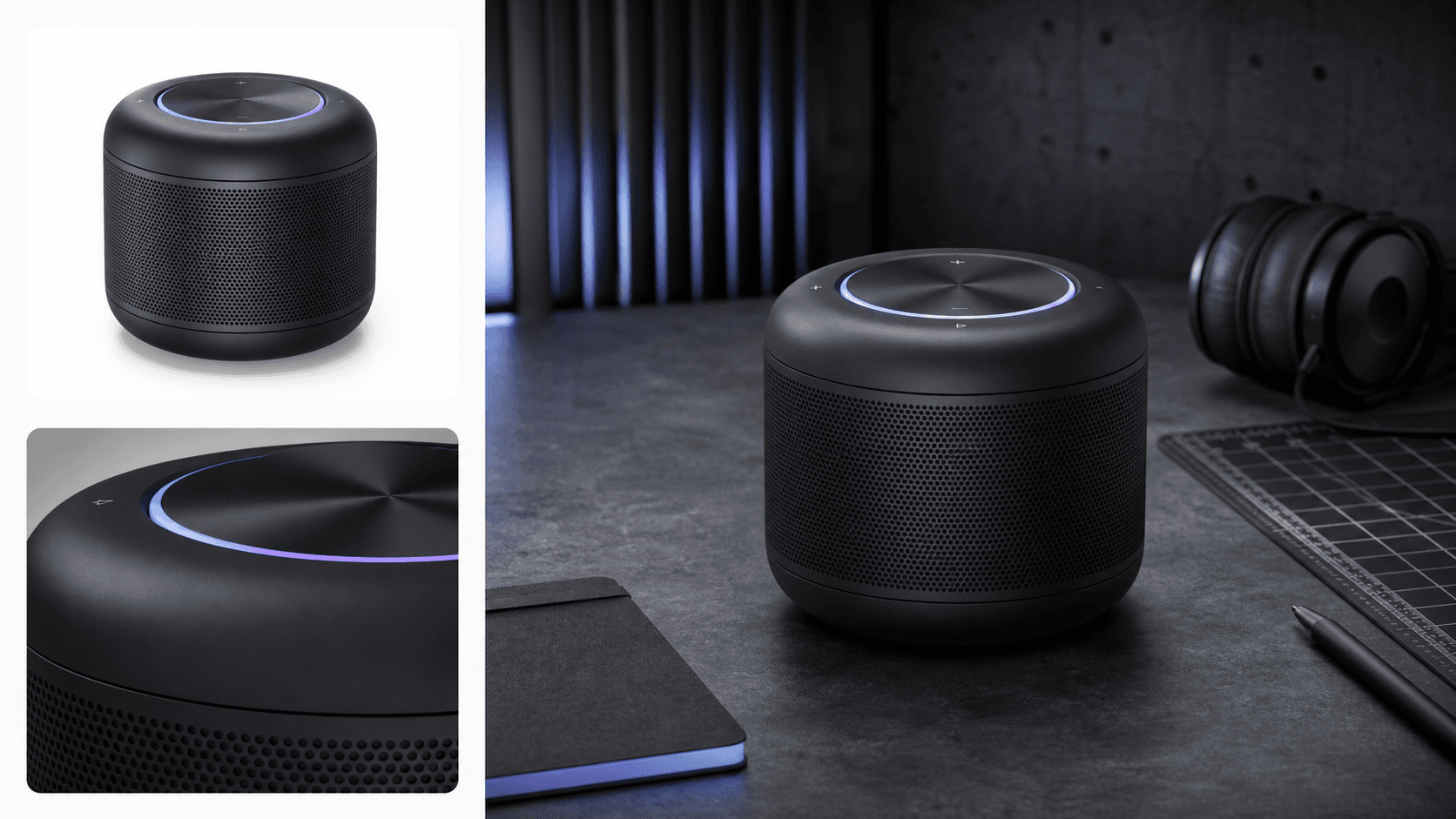
Reference matched
Material, lighting, camera, scene
Most teams still repeat the same manual AI Rendering Workflow steps every time a product, material, angle, or scene changes.
Long, manual, hard to keep consistent
The agent shift
Rendra turns manual Product Rendering Automation into an AI Rendering Pipeline so designers can validate product visuals with far less setup time.
One 3D model, one reference image, then an AI Rendering Agent executes the rendering workflow automation inside KeyShot.
Start with CAD or 3D model files already used in your product rendering pipeline.
Give Rendra the visual target so the AI Rendering Agent can analyze reference image consistency cues.
The agent opens KeyShot, assigns materials, sets up lighting and camera, then runs KeyShot Rendering.
Rendra turns repeated rendering decisions into AI Rendering Automation while keeping designers in control of Product Visualization.
Need a visual target? Rendra reads the reference image for shape, material, lighting, camera, and scene cues.
How are KeyShot materials set faster? Rendra assigns surfaces and finishes while keeping Material Consistency.
How is the product lit? The agent sets studio lighting for readable form and Lighting Consistency.
How do image sets stay aligned? Rendra keeps Material, Lighting, Camera, Scene, and Product Image Consistency.
Need ecommerce output? The AI Render Agent creates White Background Rendering for Automatic Product Rendering.
Need campaign visuals? Rendra supports Marketing Image Generation from consistent renders for AI Product Visualization.
Built as Industrial Design AI and a Visualization Copilot for teams who need Product Rendering AI to move faster.
Rendering Consistency keeps material, lighting, camera, and scene aligned.
KeyShot Automation removes repetitive rendering setup.
Automatic Rendering turns long loops into minutes.
A local Rendering Agent for teams already using KeyShot.
Short answers for early users evaluating whether Rendra fits their KeyShot Automation and AI Product Rendering workflow.
Early Access
Join designers building the future of AI rendering.